 Sandbox
Sandbox SAND token transfers leave an on-chain record for checking your first transfer
A Sandbox SAND token transfer creates an on-chain record that should agree with the sender’s balance, recipient address, and selected network. After the first transfer, save the transaction hash and read its status before sending again. A confirmed transfer should show the expected SAND movement on that same chain. If the wallet balance and transaction record disagree, pause. The mismatch may come from the selected network, token display, connected address, or a stale interface. Resolve it before sending another transaction.
Bottom line: After a first SAND transfer, compare the transaction record with the relevant wallet balance on the same network before sending another transaction.
Start with one small transfer and a recorded destination
A first transfer is easiest to verify when the wallet, network, recipient, amount, and gas balance are known before the signature request appears.
Confirm the destination type and sending network before signing. A self-custody address and a hosted deposit address can look alike, but a hosted service may credit SAND only on the network selected on its deposit screen. For an ordinary wallet transfer, the sending wallet also needs enough of the network’s native asset for gas. Ethereum uses ETH, while Polygon uses POL. A transfer has not been submitted until the signed transaction is broadcast, so the confirmation screen is the last point where the sender can reliably stop it.
Read that screen rather than relying on the SAND ticker or logo. Match the destination address, selected network, and token amount. Reject an unexplained approval request or any amount that differs from the intended transfer.
What changes after a SAND transfer confirms?
A confirmed transfer changes SAND balances on one blockchain and produces a transaction receipt for that state change.
The corresponding transaction record should identify:
- a successful execution status;
- the sending wallet address;
- the receiving wallet address;
- the SAND contract and transferred amount; and
- the network fee charged in the native gas asset.
A successful receipt means that the transfer executed on that network. It does not mean that every wallet or platform interface has refreshed. The sender’s SAND balance should decrease by the transferred amount, while the recipient’s balance should increase by that amount. Gas is accounted for separately in ETH or POL.
A failed receipt moves no SAND because the attempted state change is reverted, although the network may still charge gas. If the wallet rejects the request before broadcast, there is normally no on-chain receipt or fee.
Network identity decides where the balance appears
SAND uses separate contract records on Ethereum and Polygon, so a balance on one network does not automatically appear on the other.
SAND is an ERC-20 utility token built on Ethereum. The Sandbox also supports SAND on Polygon. A wallet must display the relevant network and its recognized SAND contract. Importing a token changes the wallet view, but it does not create, transfer, or relocate the balance.
A direct transfer stays on the network where it was signed. Moving SAND between Ethereum and Polygon requires a bridge rather than an ordinary send. Bridge activity follows a longer state path and may require another recorded action. Source-chain success alone does not prove that the destination balance is ready. Call a direct transfer complete only when its successful receipt, recipient, amount, and same-chain balance movement agree.
A first transfer traced from intent to proof
Hypothetical example. Suppose a wallet holds 17.42 SAND on its selected network and plans to send 2.32 SAND to a compatible destination on that network. The illustration also assumes sufficient native gas. Its balances, addresses, network choices, gas conditions, and timing are hypothetical inputs rather than live values or recommendations.
Before signing, the owner records the starting balance, destination address, and network. Only the 2.32 SAND transfer is submitted, with no bridge or token approval added. After confirmation, the record should show that amount and recipient. The sender’s SAND balance becomes 15.10 SAND, while the native gas balance changes separately. Completion requires the receipt, addresses, amount, and network to agree.
If the receipt says failed, the example leaves the SAND balance at 17.42 SAND, although gas may have been spent. If the receipt succeeds but the wallet still displays 17.42 SAND, sending again would risk a duplicate payment. Switching to the recorded network, checking the connected address, or importing the recognized SAND contract may reveal the completed change.
Wallet displays and blockchain records can diverge
A wallet interface is a view of blockchain data, not the source of the token balance.
The transaction hash identifies the action, the wallet address identifies the account, the network identifies the ledger, and the token contract identifies the asset. All four must describe the same transfer. A ticker and logo are insufficient because custom tokens can reuse visual labels. If the chain record is successful and the recipient balance increased, the direct transfer is complete even when The Sandbox interface has not refreshed. A hard refresh, wallet unlock, or switch to the recorded network can update the display. An account connected to a different wallet will continue to show a different balance.
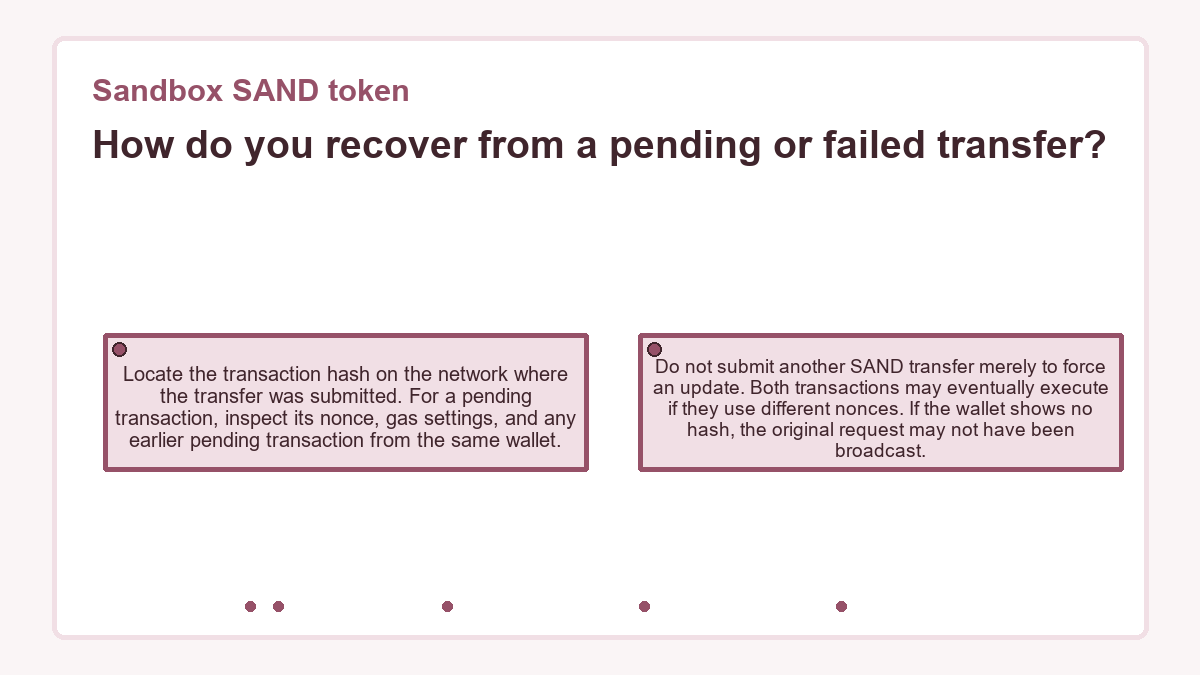
How do you recover from a pending or failed transfer?
A pending transfer lacks a final receipt, while a failed transfer reached the chain without completing the SAND state change.
Locate the transaction hash on the network where the transfer was submitted. For a pending transaction, inspect its nonce, gas settings, and any earlier pending transaction from the same wallet. Do not submit another SAND transfer merely to force an update. Both transactions may eventually execute if they use different nonces. If the wallet shows no hash, the original request may not have been broadcast.
Some wallets can replace or cancel a pending transaction by using the same nonce with a suitable fee. Wallet support and network conditions determine whether that option remains available. A confirmed transfer cannot be reversed this way. Bridge activity also needs separate treatment: a confirmed source step may still await a checkpoint or destination action, so its bridge history must be reconciled before another move.
Choose the next action from the confirmed state
The confirmed state determines whether SAND can stay on its network, move again, enter a bridge, or fund a supported Sandbox action.
If the balance is already on the network required for the intended use, there is no reason to add a network move. Keep the first transaction hash for later reconciliation and treat every new signature as a separate action.
If another network is required, use the supported bridge rather than a direct send. Bridging changes which chain records the usable balance; it is not a retry of the first transfer. Wait for destination-chain evidence before making a purchase, staking, or sending another transfer.
If any address, amount, network, or status remains unexplained, do not start another transaction. Once the records agree, the next decision concerns the intended use of the confirmed SAND balance. Before signing that action, verify its destination or contract, network, requested permissions, and gas.
Sandbox SAND token FAQs
Can a token approval move SAND like a transfer?
An approval does not transfer SAND by itself. It grants a specified contract or address permission to spend up to an allowed amount from the wallet. A later transaction may use that permission to move tokens. After a first interaction, inspect the transaction type and approval amount rather than treating every signature as a transfer. Any revocation must target the correct spender and allowance.
Does importing SAND into a wallet change its on-chain balance?
Importing SAND only adds a token display for the selected contract and network. It does not mint, transfer, or bridge tokens, and it does not change the blockchain balance. If the imported token shows zero, compare the connected address and network with the successful transaction. A wrong custom-token contract can display a different balance even when the real transfer completed.
Can I cancel a SAND transfer after it confirms?
A confirmed SAND transfer cannot be cancelled by the sender. The receiving address controls the tokens after the state change, so any return requires a new transaction authorized from that address. A pending transaction may sometimes be replaced or cancelled with the same nonce, depending on wallet support and network conditions. That mechanism does not reverse a transfer that already has a successful receipt.